Features

Everything your business needs. Finally together.

Here's what's actually inside Slotted.

Booking engine

Booking built for how time-based businesses actually work.

Slotted lets you configure the operational rules most booking tools flatten away. The result is a booking setup that matches how your rooms, staff, and add-ons behave in real life.
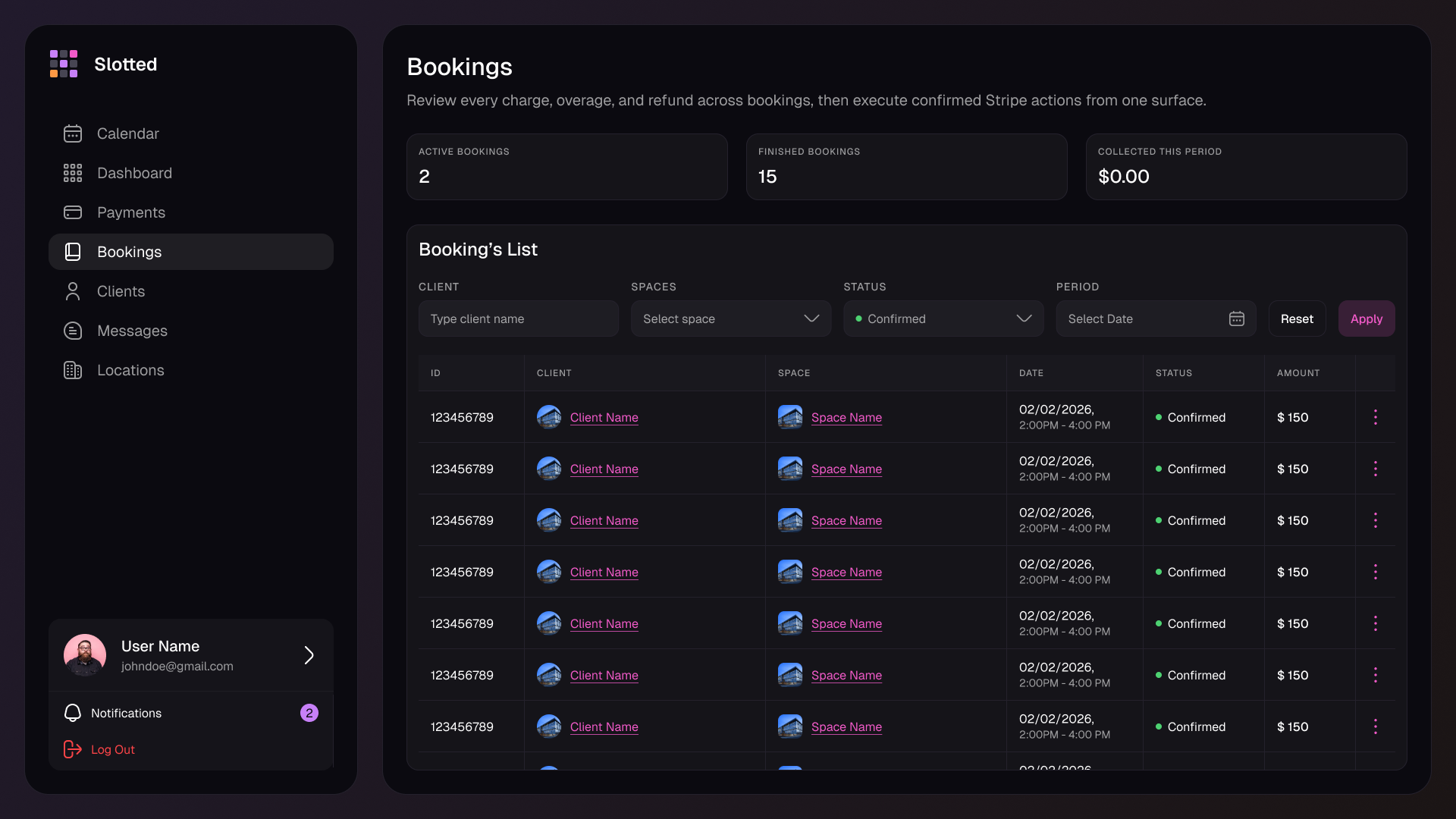
  • Slot durations per resource. Offer one-hour, two-hour, half-day, or full-day options on the same resource without duplicating listings.
  • Buffer times. Add automatic cleanup, reset, or prep windows before and after each session so back-to-back bookings do not create friction.
  • Advance window control. Limit how far ahead clients can book so high-demand inventory stays flexible for operators.
  • Blocked periods with RRULE. Schedule recurring maintenance, classes, private holds, or unavailable windows once and let them repeat reliably.
  • Same-day cutoffs. Prevent last-minute bookings after a configurable point in the day while still keeping near-term inventory open when you want it.
  • Resource-specific logic. Rules live on the room, booth, or court itself instead of being forced into one account-wide booking model.
Configuration screen
Slotted booking configuration and availability screen
Six-step storyboard
01

Land on the booking page

Clients arrive on a public booking page tied to your brand, location, and available services.

02

Pick a resource

They choose the room, booth, court, or service they actually want instead of a generic appointment bucket.

03

Select date and slot

Only valid times appear, already filtered through your durations, blackout rules, and same-day restrictions.

04

Fill booking details

Group size, intake answers, and add-ons are collected inline while the context of the booking is still clear.

05

Sign what is required

Waivers and policies appear inside the flow before checkout, not later in a reminder email clients ignore.

06

Save card and confirm

Clients give explicit consent to save the card, pay what is due, and leave with a confirmed booking immediately.

Client-facing booking flow

What your clients actually see.

Six steps from landing to confirmed.

The booking flow is short enough to convert and structured enough to collect the information operators actually need before a session starts.
  • Public booking pages work as a destination you can link directly or embed into your existing site.
  • Each step moves forward with the booking context intact, so clients do not repeat information or guess what happens next.
  • The saved-card consent and checkout step happens after the client understands the charge, the policy, and the booking they are confirming.
Payments

Stripe-powered. You keep all of it.

Card saved at booking with explicit consent. Charge overages in one tap.

  • Direct Stripe integration. Revenue lands in your Stripe account, not a platform-controlled wallet.
  • No Slotted transaction fees. Slotted charges a flat subscription instead of taking a percentage of every booking.
  • Overage-ready payment flow. Save the customer's card with explicit consent at booking so additional charges are straightforward when a session runs long.
  • Deposit support. Collect a deposit or the full amount up front depending on how that service, room, or event should be sold.
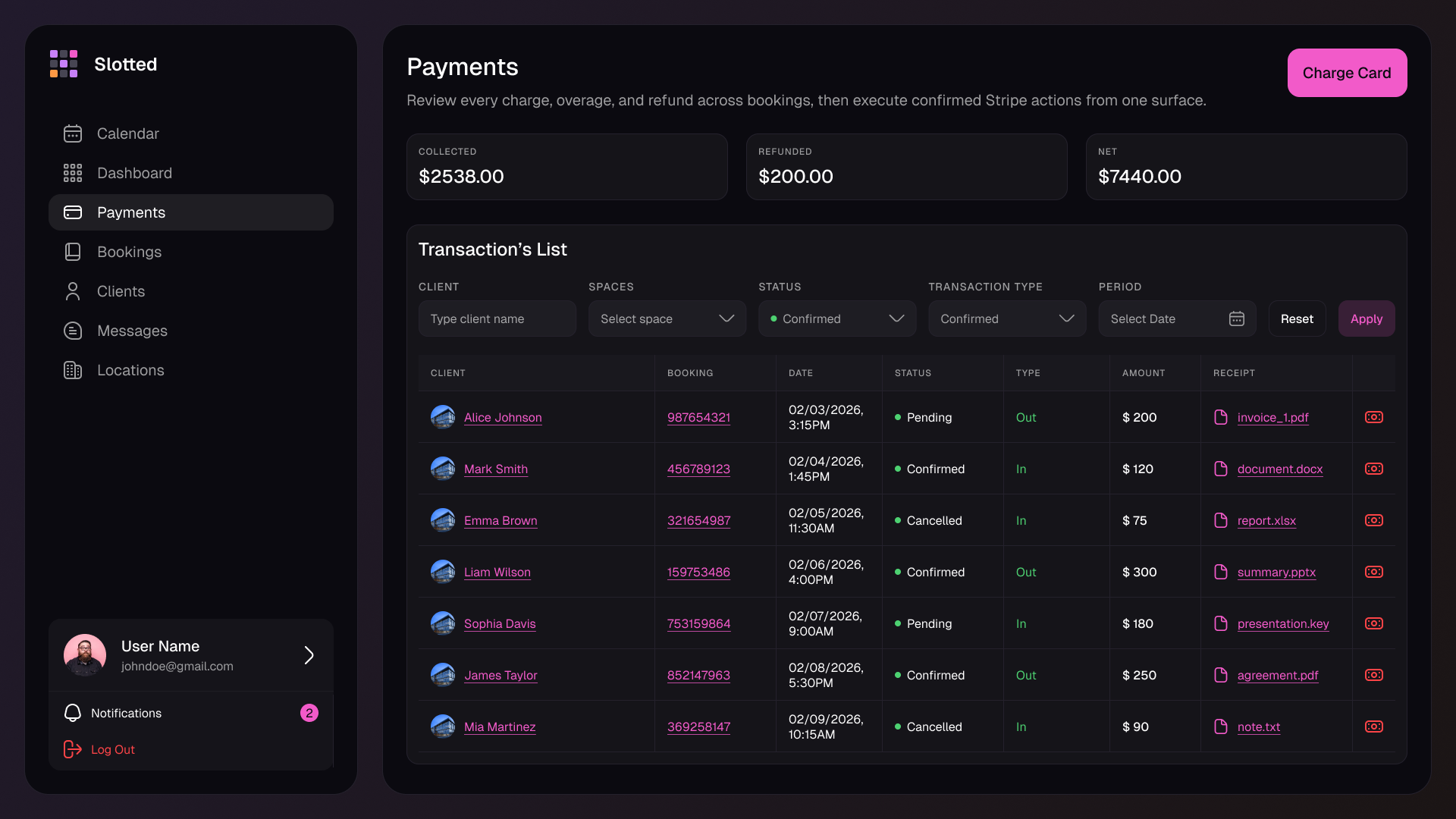
Stripe transaction view
Slotted payments screen with Stripe-powered transaction actions
Dashboard overage alert
Overage detected

Studio B · Photosession · 30 minutes past booked end time

Needs attention
Claimed group size 3
Actual group size 5
Charge amount $170

Owner reviews the charge, confirms it once, and Slotted sends the receipt automatically.

Confirm and charge
Overage billing

Client runs over. One tap. Done.

No awkward conversations. No absorbed costs.

  • Claimed vs. actual group size. Keep the operator-facing context needed to justify the charge before it is sent.
  • Owner confirmation step. Charges are not automatic surprises. You review and approve the final amount first.
  • Auto-receipt. Once confirmed, the customer gets a documented charge and receipt without manual follow-up.
Equipment management

Two sessions cannot claim the same softbox.

Every item in your catalog. Conflict-checked in real time.

  • Equipment as bookable add-ons. Lights, mics, backdrops, and other inventory can be requested as part of the booking itself.
  • Conflict detection across overlapping bookings. Slotted blocks a second booking from claiming gear that is already reserved at the same time.
  • Availability tracking. Operators can see what inventory is free, held, or unavailable before promising anything manually.
Conflict check

Booking A · 2:00 PM

  • Profoto B10 KitReserved
  • Large SoftboxReserved
  • Backdrop StandReserved

Booking B · 2:30 PM

  • Wireless Lav SetAvailable
  • Large SoftboxBlocked
  • Accent Tube LightsAvailable

When the second booking overlaps, Slotted rejects the conflicting gear request before checkout instead of leaving operators to untangle it later.

Waiver flow
Waiver required before checkout

Embedded inside booking, versioned, and tied to the customer record.

Signed in flow
Read and sign before payment

The waiver appears inline while the customer is still completing the booking.

Store version, IP, and timestamp

Every signature records the exact document version and proof points needed later.

Review signed vs. unsigned status

Operators can filter who is compliant and export signed PDFs when needed.
Waivers and documents

Waiver signed before they arrive. Not after.

Embedded in the booking flow - not a follow-up email.

  • Version tracking. Know exactly which waiver a client agreed to, even after you update the document later.
  • IP and timestamp logging. Each signature comes with the supporting metadata operators usually need for proof.
  • PDF export. Download a record of the signed waiver without rebuilding it in a separate tool.
  • Signed and unsigned overview. See who still needs action before the session begins.
Client CRM

Every client. Full history. No data entry.

  • Lifetime value. See what a client has spent over time without exporting payment history.
  • Booking history. Previous sessions stay attached to the profile for quick context before rebooking or support.
  • Intake patterns. Repeated answers and preferences stay visible instead of disappearing inside old forms.
  • Internal notes. Operators can record customer-specific context the client should not have to restate every visit.
  • Card on file and win-back detection. Saved billing context and churn-risk signals sit inside the same record.
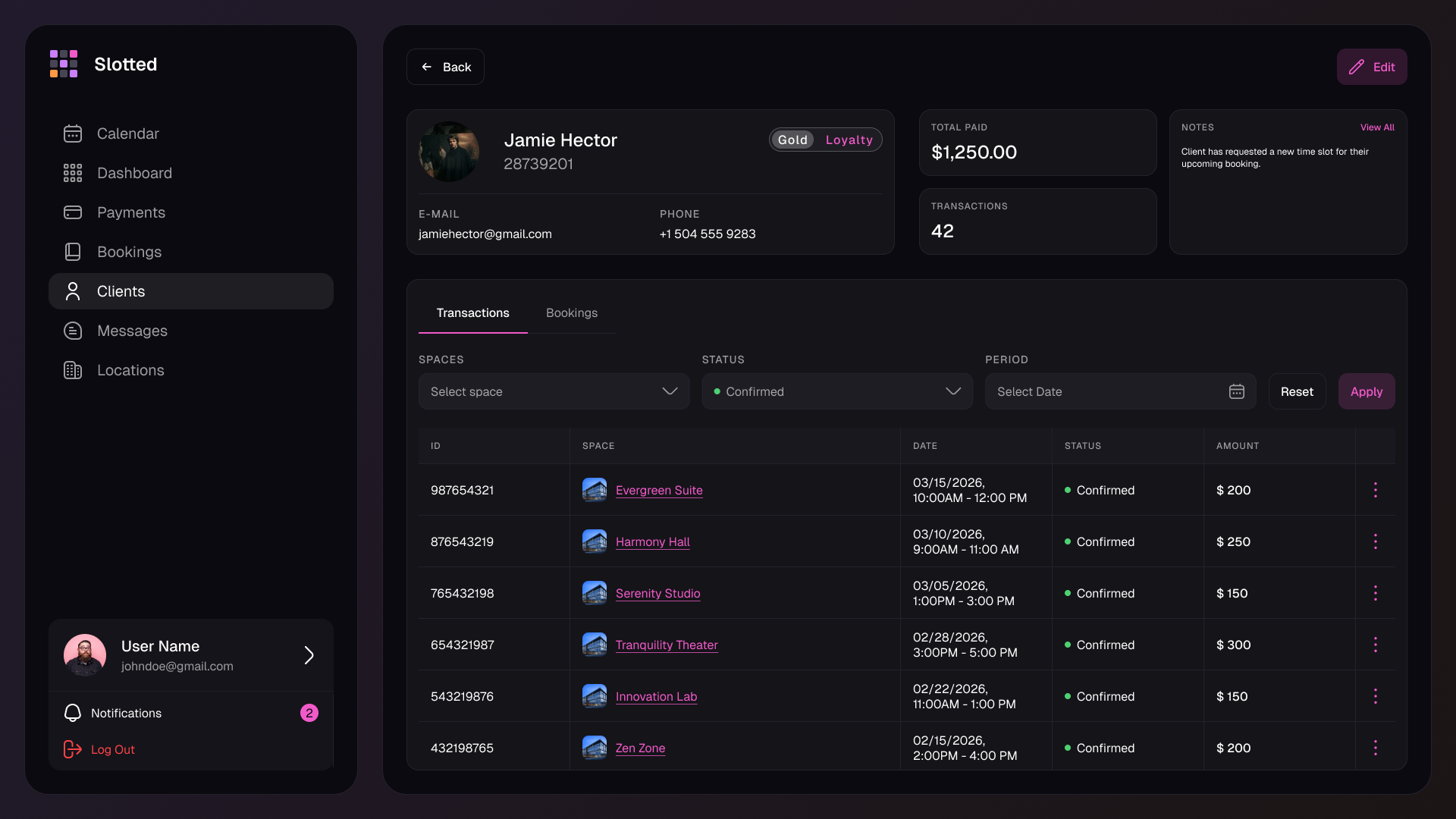
Client profile
Slotted client profile showing payment history and notes
Threaded messaging
Booking #983214 · Harmony Hall

Replies stay attached to the booking instead of scattering across personal inboxes.

Email reply connected
Client Need to push our arrival by 15 minutes. Is setup still okay?
Tokenized email reply · 9:14 AM
Studio owner Yes. The room is still yours through 4:30 and the note is saved on the booking.
Sent from Slotted · 9:18 AM
Messaging

Client messages. Threaded. Saved. Permanent.

No app required on their end.

  • Tokenized message threads. Slotted can route replies back into the correct booking conversation automatically.
  • Email-based client replies. Customers answer from the tools they already use instead of downloading another app.
  • Per-booking context. Messages stay tied to the reservation, so the operational history is visible when staff need it later.
Calendar sync

Your schedule, wherever you need it.

iCal feed available on all paid plans.

  • iCal feed endpoint. Subscribe from the calendar app your team already uses to keep bookings visible outside Slotted.
  • Google Calendar sync coming soon. The page sets the expectation clearly without pretending the integration is already shipped.
Calendar sync
Apple Calendar
Google Calendar
Outlook

Use the feed anywhere your team plans the rest of the business, while Slotted remains the source of truth for booking rules and availability.
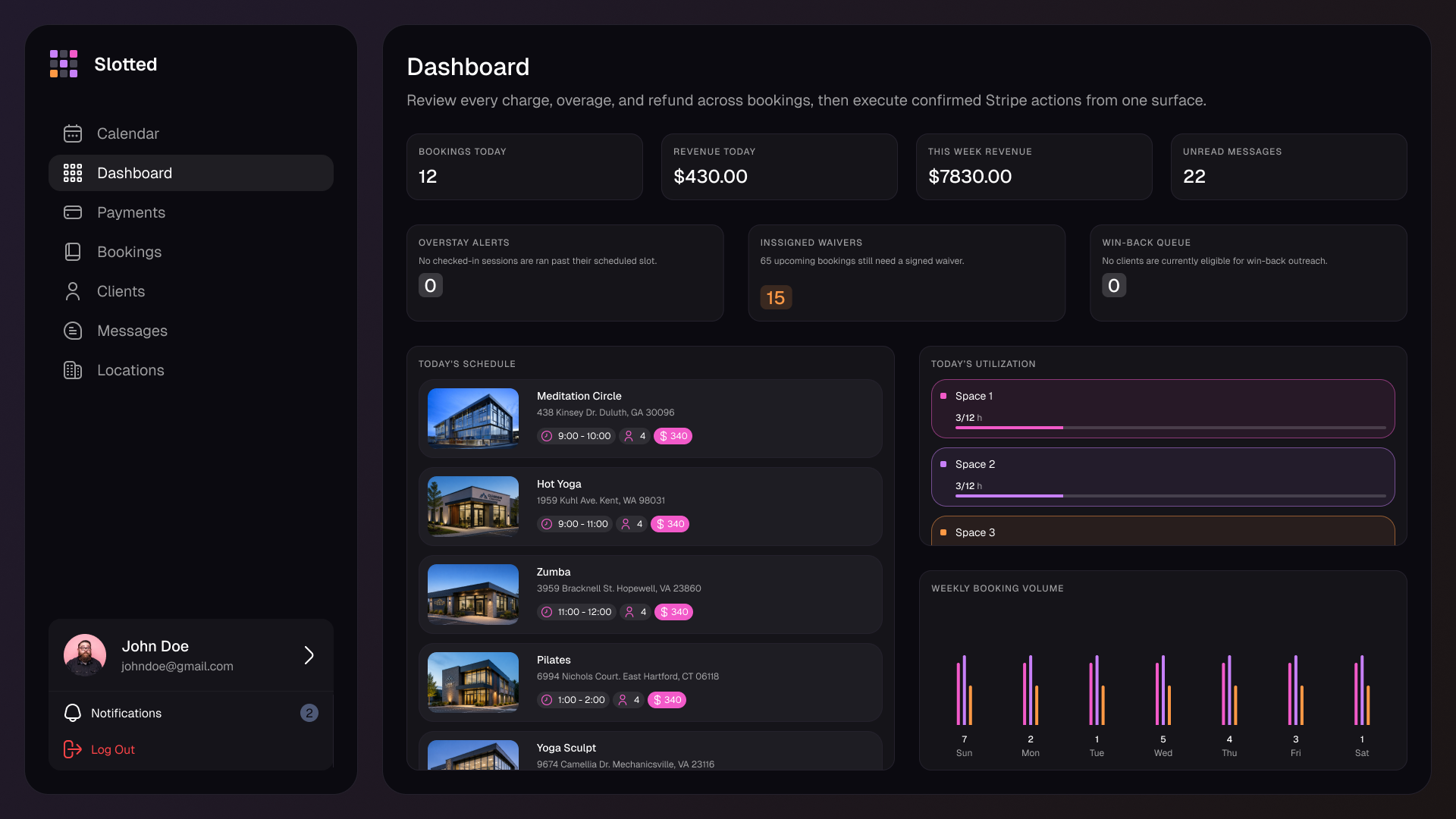
Operator dashboard
Slotted dashboard showing schedule, alerts, messages, and payments
Today's schedule See what is happening now without digging through separate calendars.
Needs attention Overages, unsigned waivers, and edge cases surface at the top.
Messages Unread client conversations stay visible beside operational work.
Recent payments Revenue movement is visible without switching to a separate payments app.
Dashboard

Four things. Front and center. Every morning.

  • Today's schedule. The day's bookings are visible immediately so operators know what is live and coming next.
  • Needs attention. Surface issues such as overages, unsigned waivers, or exceptions before they become customer-facing problems.
  • Messages. Keep active client communication in the same workspace as the bookings themselves.
  • Recent payments. Track the most important money movement without opening another system.

See if Slotted fits the way your business actually runs.

Already evaluating tools? Start the trial or talk through your booking model, payment flow, and operational edge cases with us directly.